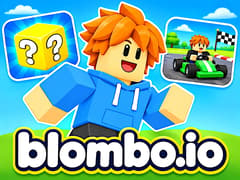
Blombo.io
Blombo.io




Blombo.io
About This Game
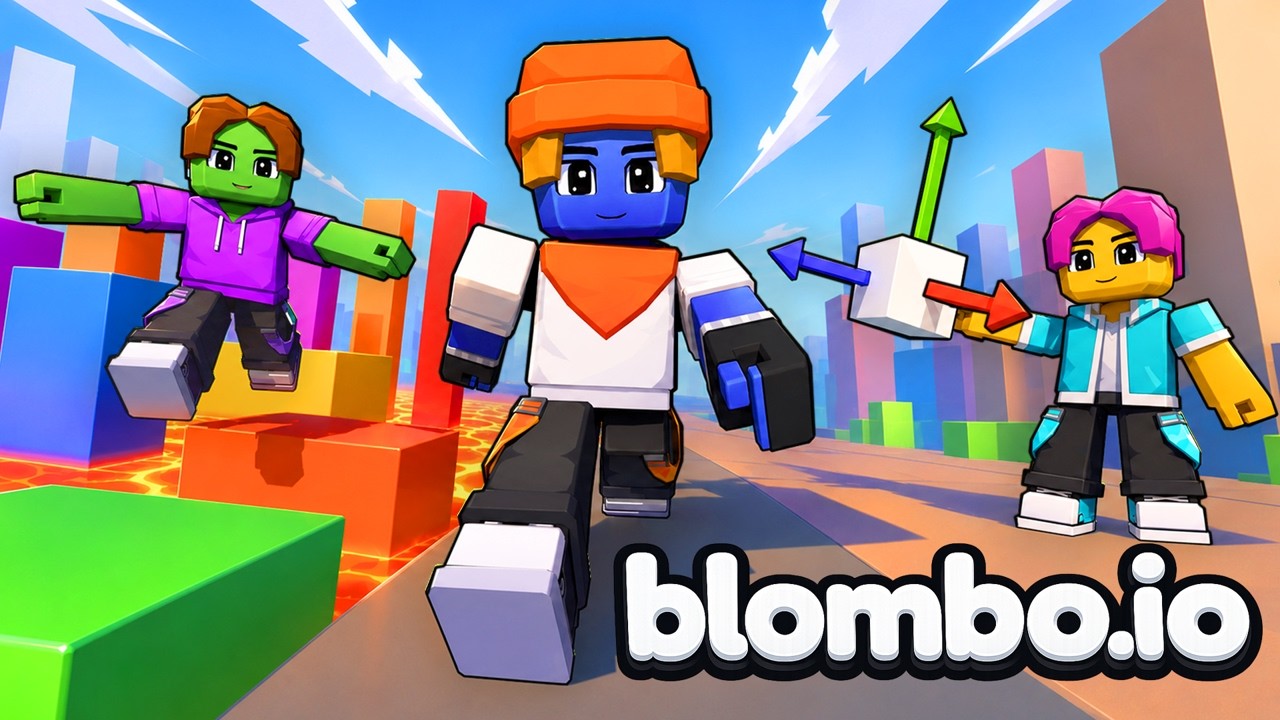
Blombo.io works like an entire arcade tucked inside a single browser game. Instead of locking you into one set of rules, it opens up a massive collection of over a hundred community-built 3D worlds. One minute you are dodging traps in a chaotic obstacle course, and the next you are running a lemonade stand, disguising yourself as furniture, or surviving a 50-player zombie outbreak. Customize your character, hop into the same lobby as your friends, and start playing right here on gameVgames!
How to Play Blombo.io?
- Pick a game. Browse the collection and choose a world that looks fun. The HOT section helps you find active games.
- Learn the goal. You might need to finish an obstacle course, survive danger, or help your team win.
- Explore and play. Move around, try the controls, and follow the instructions for your chosen game.
- Try another world. When you want a new challenge, return to the game list and choose something different.
Start with a game that matches what you enjoy. Parkour is a good choice for jumping challenges, while building and roleplay games give you room to explore and be creative.
Every lobby feels distinct because each world brings its own pacing, physics, and objectives. Whether you want competitive rounds with dozens of online players or a laid-back tycoon server where you can raise pets and upgrade gear at your own speed, your custom avatar, outfits, and emotes carry right along with you.
Which camera angle works best for parkour and obstacle courses?
On PC, pressing the F Key toggles between third-person and first-person view. Switching to first-person makes it much easier to line up precise jumps on narrow ledges in tough obbies, while third-person (with mouse wheel zoom) gives you wider awareness during melee brawls, zombie survival, and prop hunt rounds.
How do I play in the same lobby as my friends?
Check which world and server room your friends have joined and enter the same lobby from the hub, or gather in private group rooms. Once inside, you can use the chat box and emote wheel to coordinate or compete together.
How does the 3D Game Creator work?
Alongside playing the 100+ existing worlds, you can launch the built-in 3D Game Creator straight from the platform. It lets you place blocks, arrange 3D assets, build custom obstacle tracks, and publish your finished map so other players can join and try to beat i
Controls
PC Controls
- WASD / Arrow Keys: Move
- Mouse: Look around
- Mouse Wheel: Zoom in or out
- Space: Jump
- Shift: Sprint
- C: Crouch
- Left Mouse Button: Punch or use
- E: Interact
- F: Switch to first-person view
- Hold G: Open the emote wheel
- Enter: Open chat
- Tab: View the player list
- P: Open the menu and settings
Mobile Controls
- Left joystick: Move
- Swipe: Look around
- Pinch the screen: Zoom in or out
- On-screen buttons: Jump, run, crouch, and use available actions
Frequently Asked Questions
Yes! Blombo.io supports phone and tablet browsers, with touch controls for movement, camera control, and other actions.
Blombo.io is free to play in your browser. You do not need to install a separate game client to start playing.
Yes. You can join games with friends and explore worlds together. Some experiences focus on teamwork, while others let you compete against each other.
Yes. Your character travels with you between Blombo.io games, and your friends list stays connected as you explore different worlds.
Yes! Blombo.io includes tools for creating your own games. You can build a world and shape the experience you want other players to try.
Gameplay Video