Galatrix
Galatrix





Galatrix
About This Game
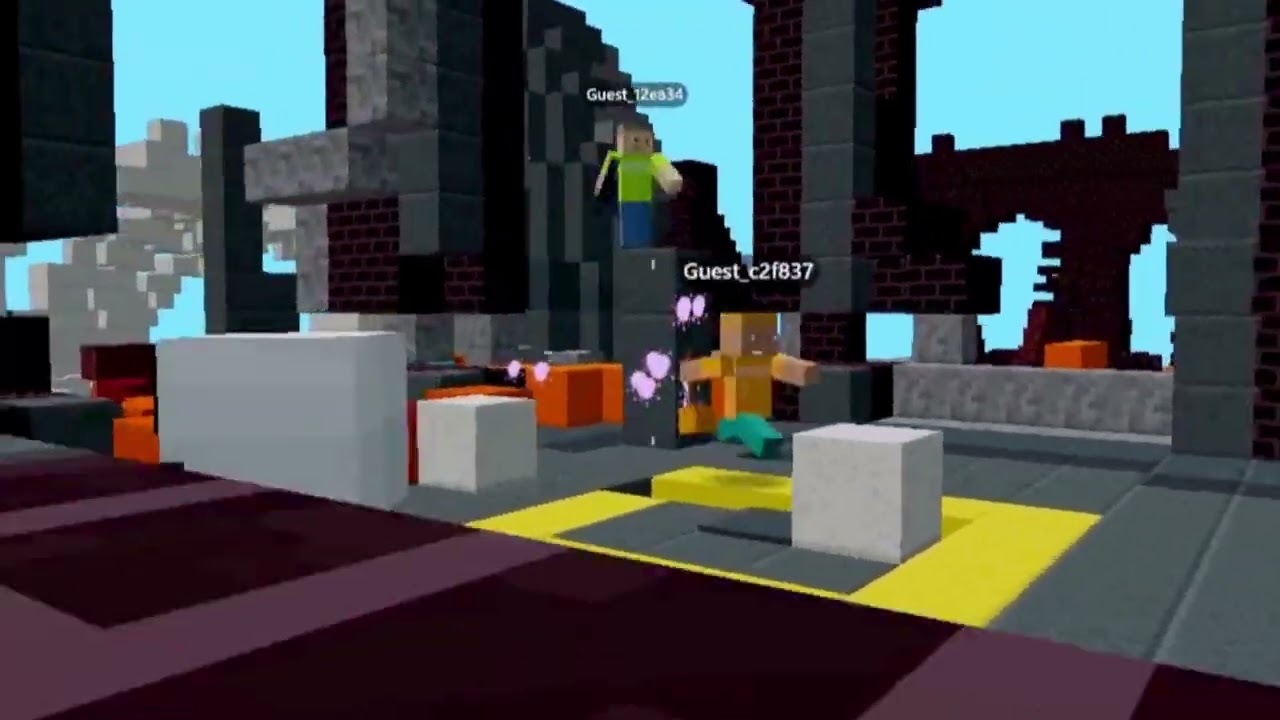
Galatrix brings community-made 3D games together in one place. Jump across obstacle courses, try a race, or explore a sandbox world where you can build. Each game has its own rules, so changing worlds gives you something different to do.
Pick a game that catches your eye and join from your browser. You can start as a guest or use a Galatrix account to keep your progress across devices. Want some company? Invite friends into your room and discover the game together.
How to Play Galatrix?
- Choose a game: Browse the lobby or search for a game you want to try.
- Join a room: Open the game and enter an available room.
- Check your goal: Read the instructions. Each creator chooses the challenges, tools and rules.
- Get moving: Explore the map and use the controls shown on screen.
- Try another world: Return to the lobby when you feel like playing something different.
Playing with friends? Use your room’s invite link to help everyone join the same room.
Can I create my own Galatrix game?
Yes! Galatrix has a separate browser editor where you can build and publish games with a free account. You can use AI tools to help turn an idea into a playable game.
Controls
PC Controls:
- WASD: Move
- Mouse: Look around
- Space: Jump
- E: Interact when prompted
- V: Switch camera view where available
- Number Keys: Select items from the item bar
Mobile Controls:
- On-screen Joystick: Move
- Swipe: Look around
- Jump Button: Jump
- Action Buttons: Use tools or perform the actions shown
Follow the instructions inside your chosen game for any extra controls.
Frequently Asked Questions
Yes! Galatrix supports mobile browsers and touch controls. The button layout can change depending on the game you choose.
Yes! You can play Galatrix games in your browser without installing an app. The optional Pro plan adds features for game creators and is not required to start playing.
Yes. You can join as a guest. A Galatrix account adds features such as sending chat messages and keeping your saved progress across devices.
Yes! Choose a multiplayer game and share your room’s invite link. Your friends can join the same room as long as there is space.
Guest progress stays in the browser and on the device where you played. Clearing browser data can remove it. With a Galatrix account, saved progress can follow you across devices. Progress is usually separate for each game.
Gameplay Video