Happy Wheels
Happy Wheels




Happy Wheels
About This Game
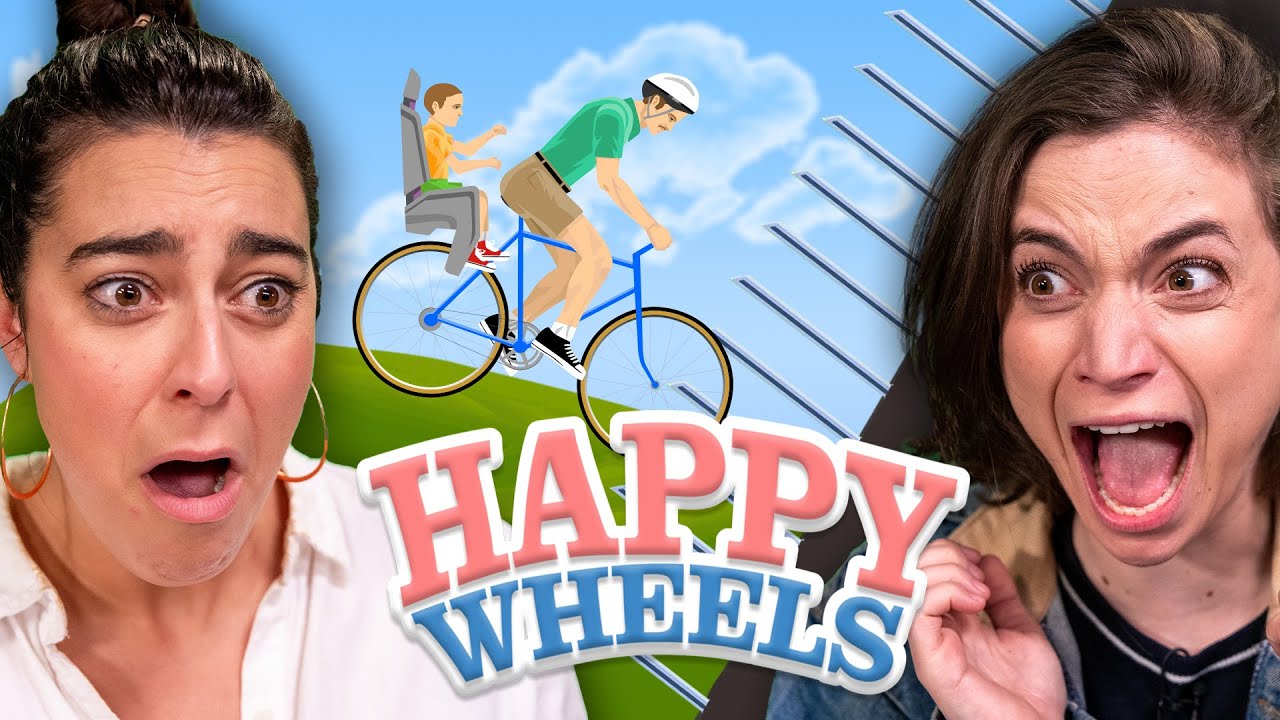
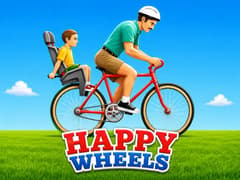
Welcome to one of the most famous classic browser games of all time! Originally created by independent developer Jim Bonacci in 2010, Happy Wheels is a hilarious, ragdoll physics-based driving game where your only goal is to safely reach the finish line. Sounds easy, right? It’s actually quite the challenge!
What made Happy Wheels special was how every level felt different. Some stages focused on racing, others on survival, traps, puzzles, or pure chaos. The physics engine creates funny and unexpected moments almost every run, which is why so many YouTubers and streamers helped the game become a huge internet legend during the Flash game era.
It is a legendary test of patience and balance, fully updated to run smoothly without Flash Player, securely right here on gameVgames!
Happy Wheels Overview
Getting to the finish line requires careful driving and an understanding of the game's bouncy physics. Here is how you can conquer the obstacle courses:
- Pick Your Rider: Start by choosing from a cast of unique characters. Each one has a completely different vehicle, which drastically changes how they drive and balance.
- Keep Your Balance: Because the game uses ragdoll physics, your character has real weight. If you drive too fast off a ramp or lean too far forward, your vehicle will flip over!
- Navigate the Course: Slowly make your way over giant hills, moving platforms, and sudden drops. Sometimes, taking it slow and steady is the smartest way to win.
- Use Special Abilities: Every character has a secret action button. Some characters can jump over small bumps, while others can use a rocket booster to fly over massive gaps.
Who is the easiest character for beginners to use?
The "Segway Guy" (the businessman) is highly recommended for your first few levels. His vehicle is compact, surprisingly fast, and much easier to balance in the air compared to the bicycle or the heavy wheelchair.
Why do I keep flipping over when I go down a hill?
This is all about gravity! When you drive down a steep hill, your character's weight shifts to the front. You need to constantly tap the Left Arrow Key to lean backward and keep your wheels flat on the ground.
What does the Spacebar actually do?
It changes depending on who you are playing as! If you use the Segway, the Spacebar makes you hop. If you use the Wheelchair character, it activates a powerful rocket boost. Test it out at the start of the level to see what your rider can do.
What happens if I press the Z key?
The Z key forces your character to let go of their vehicle and grab onto the environment! While it is mostly just a funny feature, sometimes ejecting from your bike is the only way to squeeze through a tiny gap and touch the finish line to win.
More Legendary Classic Games on gameVgames
If you love experiencing the absolute best of the golden age of browser gaming, you have to try these legendary titles:
- Bloxorz Test your brain with this legendary 3D puzzle! Roll the rectangular block across suspended platforms and drop it perfectly into the square hole without falling off the edges.
- Run 3 Defy gravity in this endless space runner! Navigate through futuristic tunnels, run on walls, and unlock cool alien characters as you explore the ever-changing cosmic galaxy.
- Gun Mayhem 2 Grab a friend for this chaotic arena brawler! Customize your character, pick up wacky cartoon gadgets, and try to knock your opponents off the platforms in this fast-paced hit.
- World's Hardest Game Do you have the patience to beat it? Guide the red square to the green zone while avoiding moving blue circles. It requires absolute precision, perfect timing, and nerves of steel!
How to Play
- Arrow Keys = Move
- Spacebar = Special ability
- Shift / Ctrl = Secondary actions in some characters
- The controls are intentionally a little awkward, which is part of the game’s charm and difficulty.
Frequently Asked Questions
Yes. On gameVgames, Happy Wheels runs with the Ruffle emulator, so you can play it in your browser without installing Flash.
Because of its funny physics, creative user-made levels, and viral YouTube gameplay videos.
Precision control. Even small mistakes can completely destroy a run.
No. The browser version on gameVgames is designed mainly for desktop controls. However, you can download official mobile versions of Happy Wheels from the App Store and Google Play.
Yes. Many players use gameVgames to play Happy Wheels unblocked directly in the browser through the Ruffle emulator, without needing Flash installation.
The gameplay is cartoon-style and exaggerated, but parents should still review it first because of the crash humor and trap effects.
Gameplay Video