RIVALS FPS
RIVALS FPS





RIVALS FPS
About This Game
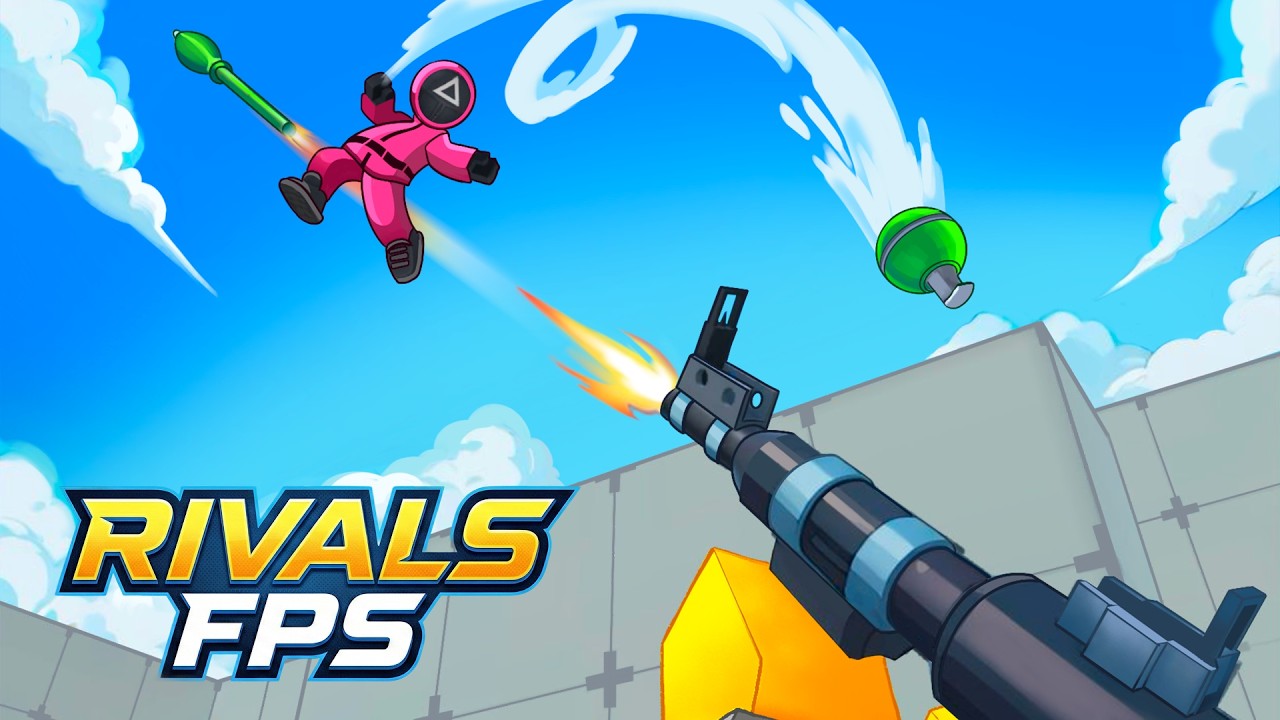
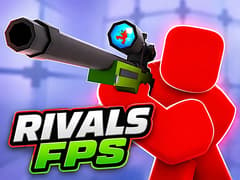
Not every browser shooter manages to balance accessibility with exciting multiplayer combat, but RIVALS FPS comes surprisingly close. Inspired by the large-scale action of games like Battlefield and Star Wars Battlefront, it drops players into colorful arenas where quick reflexes, teamwork, and smart positioning matter more than memorizing complicated mechanics.
The Warzone Experience on RIVALS FPS
Surviving this arena requires more than just a quick trigger finger; it demands tactical positioning and teamwork. Here is what makes this shooter stand out:
- Instant Firefights: Skip the agonizing installation bars. Jump straight into active global servers, or forge your own custom maps to settle scores with your friends in private lobbies.
- Vivid 3D Carnage: Leave the gritty, gray palettes of older games behind. RIVALS boasts a strikingly colorful, highly stylized visual aesthetic that makes every explosion, tracer round, and muzzle flash pop off the screen.
- Arsenal & Ascension: It is not just about surviving; it is about evolving. Climb the global leaderboards, earn your rank, and swap weapons on the fly to adapt to ever-changing combat scenarios.
- True Cross-Platform Combat: A seamless shootout whether you are swiping on a touchscreen or clicking a mouse. The servers bridge mobile and PC gamers for non-stop, lag-free action right in the browser.
What makes RIVALS FPS different from Veck.io?
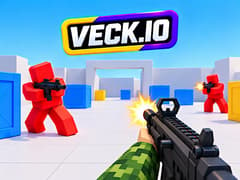
It all comes down to the atmosphere and the engine. RIVALS FPS delivers a lush, colorful 3D environment designed to mimic massive AAA battlefields with realistic weapon handling. Veck.io, on the other hand, strips things down to a hyper-fast, blocky, Roblox-inspired aesthetic. If you want cinematic firefights, play RIVALS; if you crave a retro-blocky arcade rush, Veck.io is your go-to.
How do I set up a private match with my friends?
Take control of the lobby by choosing the "Create Map" option right from the main menu. Once your custom arena is live, your squad can join in for a private, no-holds-barred tactical showdown.
Is it actually playable on mobile without lag?
Absolutely. The developers engineered the game to run flawlessly in mobile web browsers. The virtual joysticks are incredibly responsive, letting you hit sniper shots, dodge fire, and throw grenades just as smoothly as PC players.
Do I lose my progress if I close the browser?
Not if you track your stats! By utilizing the game's profile features, your hard-earned ranks, weapon upgrades, and leaderboard status will be waiting for you the next time you deploy into the arena.
More Recommended FPS Games
If you want to switch up the visual style but keep the adrenaline pumping, you have to try this standout hit available on gameVgames:
- Veck.io Trade the smooth 3D curves for sharp edges in this ultimate Roblox-style battleground! Delivering relentless .io mechanics, blocky character designs, and a chaotic multiplayer loop, Veck.io is the perfect arena for players who want pure, unadulterated arcade shooting without the fluff. Grab your weapon and conquer the server!
How to Play
PC
- Move: WASD
- Aim: Mouse
- Jump: Space
- Crouch: C
- Interact: E
Mobile
- Move: Virtual joystick
- Aim: Swipe on the right side of the screen
- Jump & Reload: On-screen buttons
Frequently Asked Questions
Yes. You can play the entire game online for free without installing additional software.
Yes. The game includes touchscreen controls that make it playable on phones and tablets.
Yes. Since it runs in a web browser, it works on most modern Chromebooks without requiring installation.
If your school or workplace doesn’t restrict gaming websites, the game can usually be played directly through your browser. Availability depends on local network policies.
No. The game’s optimized browser engine allows it to run smoothly on many everyday computers and laptops.
Gameplay Video