Geometry Vibes

Geometry Vibes
About This Game
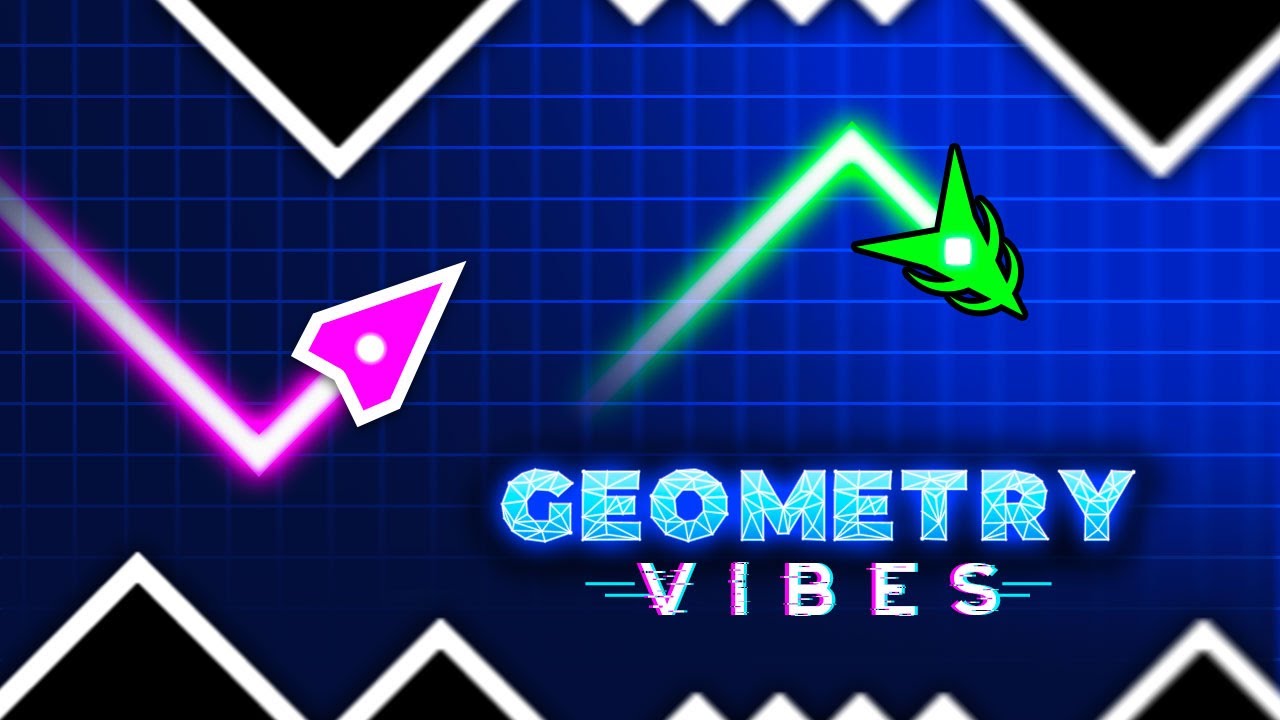
Geometry Vibes is a fast-paced reaction arcade game developed by gameVgames. Your mission is simple but intense: guide your arrow through a dangerous route filled with spikes, traps, and moving obstacles. Everything comes at you in waves, and only quick reactions and sharp focus will keep you alive.
Your goal is to keep the arrow on the path and travel as far as possible without crashing. Each second increases the tension, and every mistake can end your run instantly. Geometry Vibes combines rhythm, reflexes, and timing into a highly addictive gameplay experience where excitement never stops.
Geometry Vibes Game Modes
Classic Mode
Classic Mode includes 10 challenging levels. Each new level introduces faster speeds and more complex obstacle patterns. By the time you reach the final stages, your reflexes and concentration will be pushed to the limit.
Endless Mode
Endless Mode removes all limits. The goal is to travel as far as possible and beat your own record. As your distance increases, the arrow accelerates and obstacles appear more frequently, turning the game into a pure test of reaction and endurance.
Race Mode
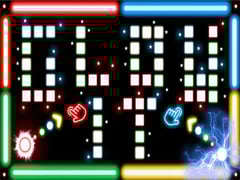
Race Mode is designed for competitive fun with friends. Up to 2, 3, or 4 players can play on the same keyboard and compete through the same levels found in Classic Mode. With simple single-button controls, the race becomes chaotic, fast, and extremely entertaining.
Geometry Vibes Unblocked: Play Anywhere!
Whether you are at school, home, or the office, Geometry Vibes Unblocked is optimized for seamless play on any network. Its unique 2, 3, and 4-player support makes it the perfect choice for a quick competitive break with friends during downtime.
Geometry Vibes Features
• Developed by gameVgames
• Playable on both PC and mobile devices
• Simple but challenging gameplay mechanics
• 2, 3, and 4 player local multiplayer support
• Smooth animations and vibrant visuals
• Relaxing music combined with fast reflex gameplay
• Customization with different arrow skins, tails, and colors
• Helps improve reaction speed and focus
Tips to Play Geometry Vibes Better
- Focus on the upcoming obstacles rather than your current position.
- Keep your movements smooth and controlled instead of reacting in panic.
- Practice regularly to develop muscle memory and faster reactions.
- If a level feels overwhelming, take a short break and try again with a fresh mindset.
Ready to vibe?
Dive in, feel the beat, and see how far you can really go.
Geometry Vibes! created with love by gameVgames 🚀
Geometry Vibes Series:
How to Play
The controls are simple, but mastering the game takes skill and precision.
- Click MOUSE LEFT-CLICK or press UP ARROW to make the arrow fly upward.
- Release the button to dive downward.
Multiplayer Mode Control:
- Player 1: MOUSE LEFT-CLICK or SPACE
- Player 2: UP ARROW
- Player 3: H
- Player 4: L
Frequently Asked Questions
Absolutely! Geometry Vibes works perfectly unblocked at school, at home, or even during a quick break at work. Its local multiplayer support makes it one of the best games to secretly enjoy with classmates on a single computer.
Geometry Vibes is a pure offline experience no internet required. Invite friends over, connect on one device, and turn any hangout into an epic local tournament.
Many players find early levels like Level 4 deceptive they look simple but demand perfect timing. Difficulty spikes sharply around levels 7–10 with tighter gaps, faster speeds, and more complex patterns. Practice the same level repeatedly to learn the rhythm.
Progress through levels, achieve high scores in Endless Mode, or complete challenges to earn in-game currency or direct unlocks. Customize your arrow to match your style!
Local multiplayer is optimized for PC/Single Keyboard, but on mobile you can pass the device for turn-based races or take turns in Endless Mode for friendly competition.
The core gameplay remains the same! While the mobile version focuses on touch gestures, playing on gamevgames.com allows for the precision of Keyboard and Mouse clicks. Both platforms offer the same high-energy rhythm and challenging levels.
Geometry Vibes has become popular thanks to its perfect balance of simplicity and challenge. Players instantly understand the controls, but mastering the game requires focus, timing, and practice.
Gameplay Video