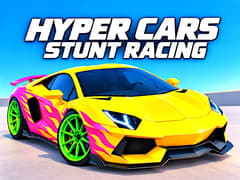
Hyper Cars Stunt Racing
Hyper Cars Stunt Racing



Hyper Cars Stunt Racing
About This Game
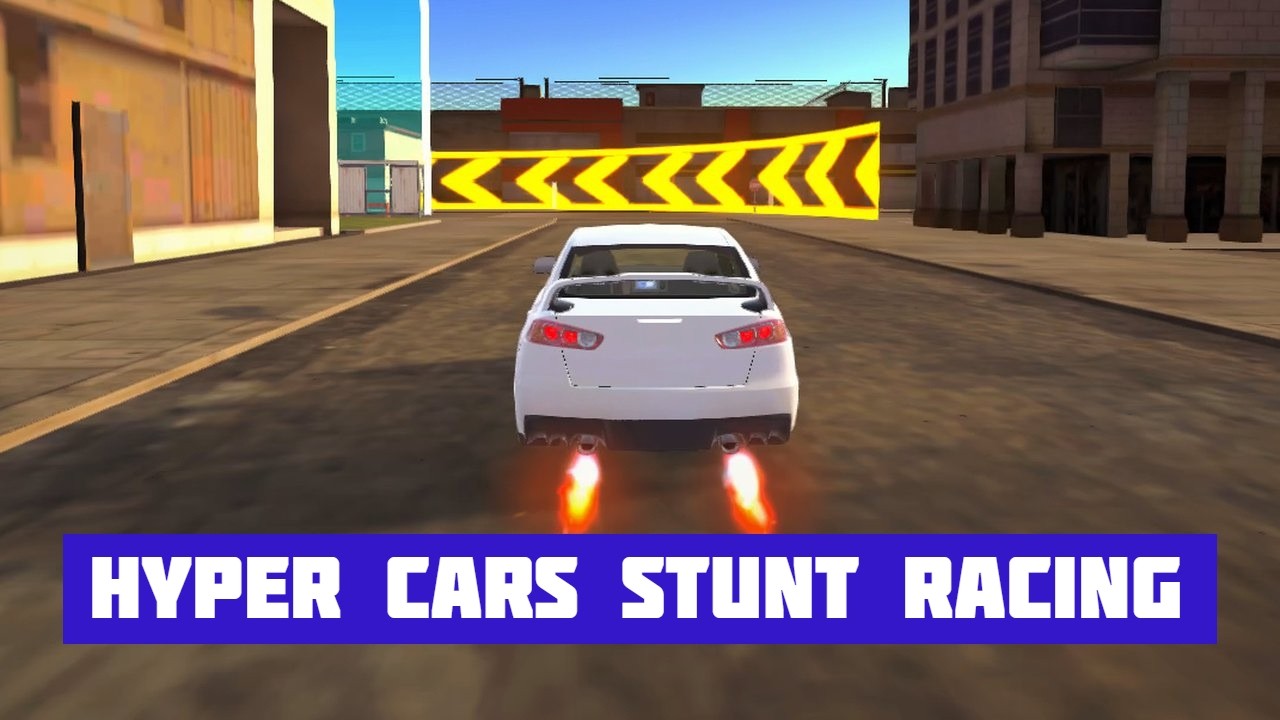
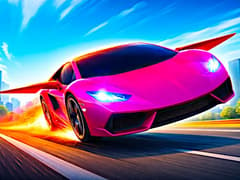
A quick drive across town can turn into a drift session, a timed race, or an attempt to reach a diamond floating above a huge ramp. Hyper Cars Stunt Racing, developed by gameVgames, gives you an open city to explore and plenty of reasons to take a detour. Cruise through downtown traffic, head out to the industrial cargo port, or visit the airport to try its ramps and obstacles.
How to play Hyper Cars Stunt Racing?
- Start by getting a feel for your car and exploring the map. The city, port, and airport offer different places to drive, jump, and look for rewards. Keep an eye on the ramps: some lead toward diamonds that take a carefully lined-up jump to reach.
- When you want a challenge, enter a parkour course, take on a drift mission, or race against the clock. These activities help you earn currency for your garage. Causing a little in-game traffic chaos pays too crashing into traffic cars and blowing them up is another way to collect cash.
- There are 20 cars in total, with two available at the start and 18 more to unlock. As your money and diamond collection grows, you can choose between buying another car and improving one you already enjoy driving.
- The garage gives you plenty to work on. Upgrade the engine, turbo, tires, gearbox, suspension, and nitro, then give your car a look of its own. Change the paint, fit new rims, experiment with wraps and decals, or add underglow lighting. Ride height and camber adjustments let you fine-tune its stance as well.
How do I earn money and diamonds?
Complete parkour, drift, and time trial missions, and look for diamonds while exploring. Some are tucked around ramps and special locations, while others require you to reach harder-to-access areas. You can also earn cash by wrecking traffic cars.
What can I customize?
You can spend your earnings on new vehicles, performance upgrades, and visual changes. Work on how your car drives with mechanical upgrades, or experiment with paint, wheels, wraps, decals, underglow, ride height, and camber.
What performance parts can I upgrade in the garage?
You have full mechanical control over your vehicle. You can boost top speed with engine and turbo upgrades, improve cornering with better tires and suspension, optimize acceleration with gearbox tuning, and extend your nitro duration.
If the airport jumps leave you wanting more, try another gameVgames title, GT Cars Mega Ramps. Its elevated stunt courses, narrow tracks, and huge gaps put the focus on judging your speed and lining up your landings.
Controls
Player 1 Controls
Drive / Steer: W, A, S, D Keys
Nitro (NOS): Left Shift
Handbrake: Spacebar
Player 2 Controls
Drive / Steer: Arrow Keys
Nitro (NOS): K Key
Handbrake: J Key
Mobile Controls (1-Player Only)
Drive / Steer: On-Screen Touch Controls
Nitro (NOS): On-Screen NOS Button
Handbrake: On-Screen Brake Button
Frequently Asked Questions
Yes. The PC version includes a local two-player split-screen mode, so you can share a keyboard and take on challenges together. For the full open-world mission experience, choose 1-Player mode.
Yes, you can explore the open world using touch controls on a phone or tablet. Mobile play supports the 1-Player mode; two-player split-screen requires a PC keyboard.
Gameplay Video