Plants vs Zombies Fusion Edition





Plants vs Zombies Fusion Edition
About This Game
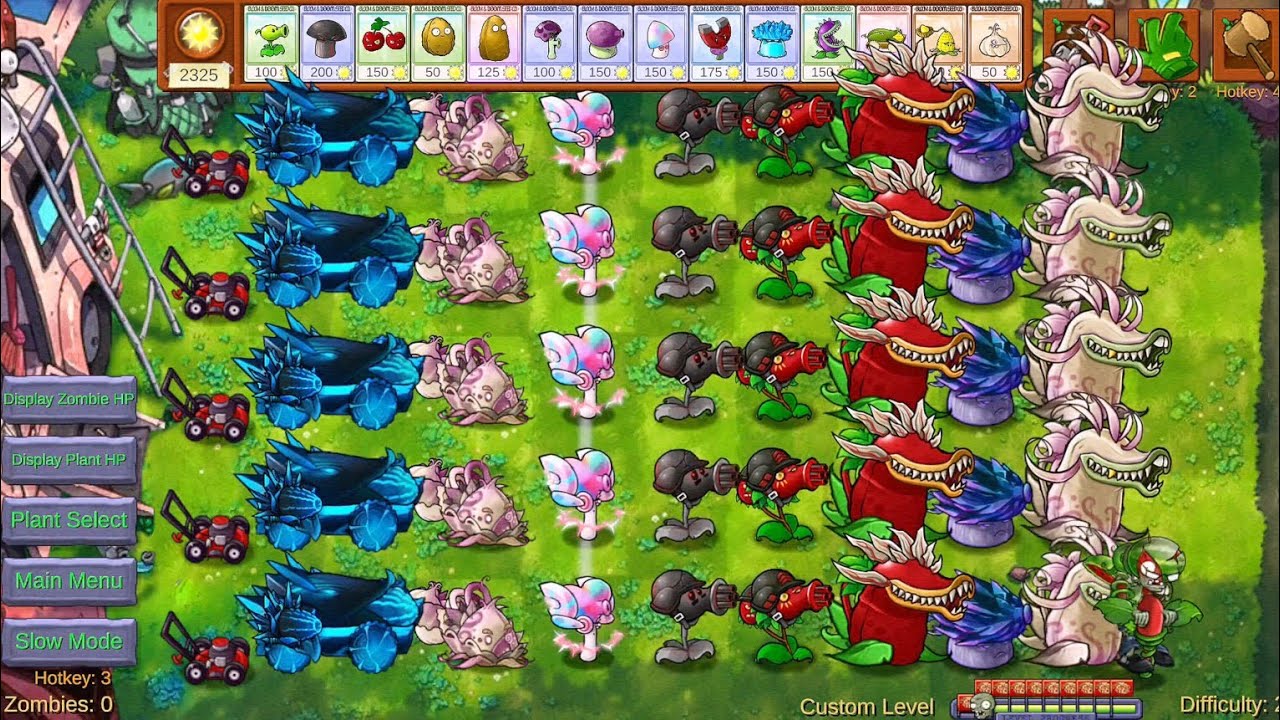
Plants vs Zombies Fusion Edition is an unofficial, fan-made tower defense game by Super Games. Zombies walk down a five-lane lawn toward your house. You collect sun, plant defenders on the tiles, and count on a lawnmower in each lane as the very last line of defence.
Fusing plants
The big twist is fusion. The tutorial starts you off by connecting a Peashooter to a Sunflower, and every hybrid recipe is listed in the Almanac. Before each level you choose from a large set of seed cards, so you can plan which plants to drop and which to combine.
Outside Adventure mode there are Challenges, including one where you play as the zombies, plus skins, a shop and daily rewards. Sun pays for planting, dollars buy bonuses, and Gam is the premium currency. If you'd rather experiment freely, there's an unlimited sun button.
How do I choose my plants before a level?
Before each level you get a seed-selection screen with about 45 cards. Pick the plants you want to bring, then start the level and plant them with sun.
Where can I see the fusion recipes?
Open the Almanac from the main menu. It lists all the hybrid recipes.
Like defending against waves? Try these next:
- PokePath Tower Defense place towers along a path to stop the waves.
- Age of War defend your base and advance through the ages.
- Stick War build a stick army and defend your statue.
Controls
Mouse / Touch
- Click / Tap sun: collect it from the sky or from sunflowers
- Click a card, then a tile: plant it on the lawn
Keyboard shortcuts
- 1: shovel (remove a plant)
- 2: glove (move a plant)
- 3: Speed Up
- 4: hammer
- Tab: pause
Frequently Asked Questions
Yes. One of the Challenges puts you on the zombie side.
Dollars buy bonuses and challenges.
Gameplay Video