War The Knights


War The Knights
About This Game
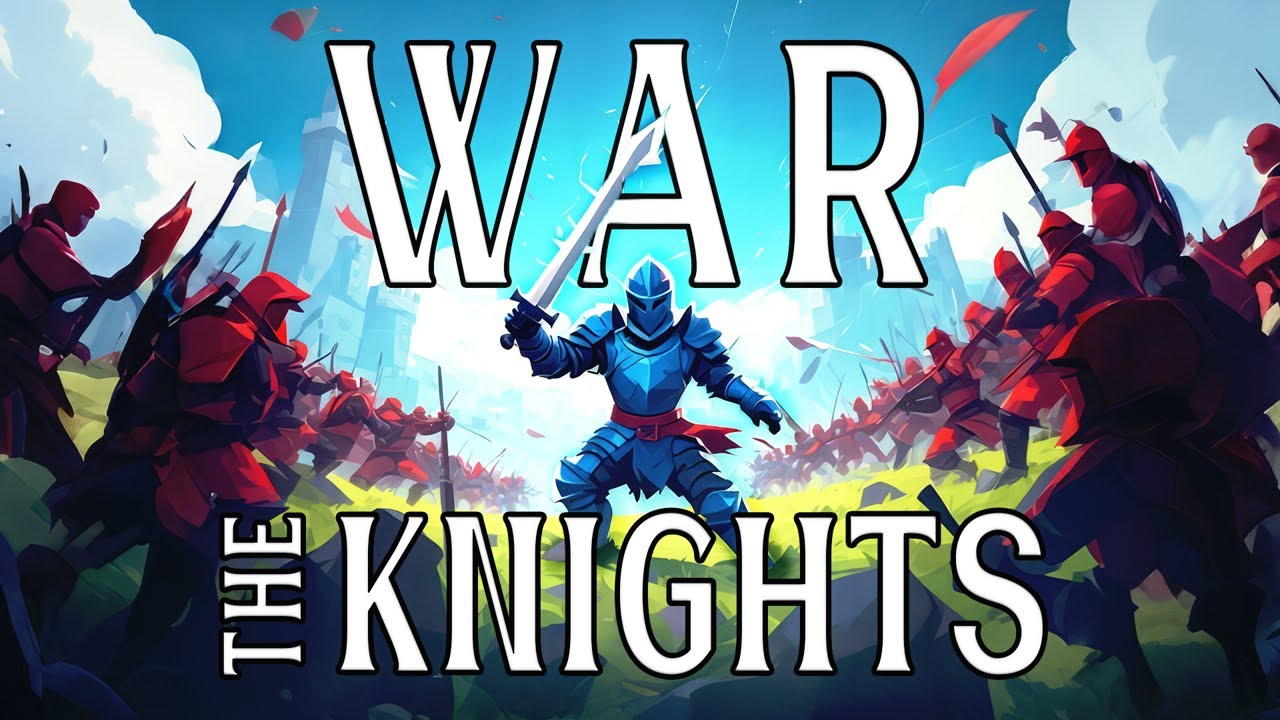
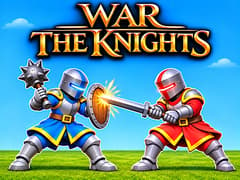
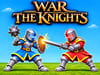
Pick your side, grab your sword, and join your army in War The Knights! This 3D medieval war game puts you right among the knights, with up to 200 warriors on the field at once. Fight nearby enemies with a sword or spear, or use a bow to attack from farther away.
Winning takes more than quick attacks. Watch where enemies are coming from, block at the right moment, and stay close to your allies. A well-timed move can help your side push forward.
How to Play War The Knights?
- Choose your side. Join an army and get ready for battle.
- Pick your equipment. Choose weapons that suit how you want to play.
- Move with your allies. Avoid rushing into a large group of enemies on your own.
- Attack and defend. Watch your opponent and block incoming hits before striking back.
- Help your army advance. Fight for important positions and support your side across the battlefield.
Start by learning how to move, attack, and block. Once those controls feel familiar, try switching weapons during a fight. A nearby knight and a distant archer may need different approaches.
Which faction should I choose: Island or Coast?
Neither faction has a hidden stat advantage. Choosing Coast is ideal if your team prefers aggressive forward pushes, while Island works great for anchoring defensive positions and forcing enemies to march into your chokepoints.
Why should you capture flags?
Captured flags let you return to the battle from a closer position after being defeated. Helping your army take these points can save a long trip back to the fight.
Can I ride a horse in War The Knights?
Yes! You can ride a horse to move around the battlefield faster. This helps you cross open areas and reach the action more quickly.
Are all weapons available at the start?
No. Some weapons are ready to use, while others need rewards or an ad to unlock. Check the equipment menu to see what each item requires.
Does War The Knights really have 200 warriors?
Battles can include up to 200 warriors at once. That number describes the fighters on the battlefield; it does not mean that 200 real people are playing together.
Why should you capture flags?
Captured flags let you return to the battle from a closer position after being defeated. Helping your army take these points can save a long trip back to the fight.
More Strategy and War Games on gameVgames
Ready for another battle? Try Stick War, Age of War, and Redcoats.io on gameVgames for more war and strategy challenges.
Controls
WASD: Move
Left Mouse Button: Attack
Right Mouse Button: Block or aim
Middle Mouse Button: Throw
Shift: Run
Z: Crouch
E: Interact
1 / 2: Select weapons
3 / 4: Select gadgets
G: Throw your melee weapon
F: Kick
R: Battle cry
P: Pause
Frequently Asked Questions
Mobile support depends on the version you play. A desktop or laptop is the best choice for the keyboard and mouse controls listed here.
No. You can play the browser version without downloading or installing the game.
Gameplay Video