Bouncy Motors




Bouncy Motors
About This Game
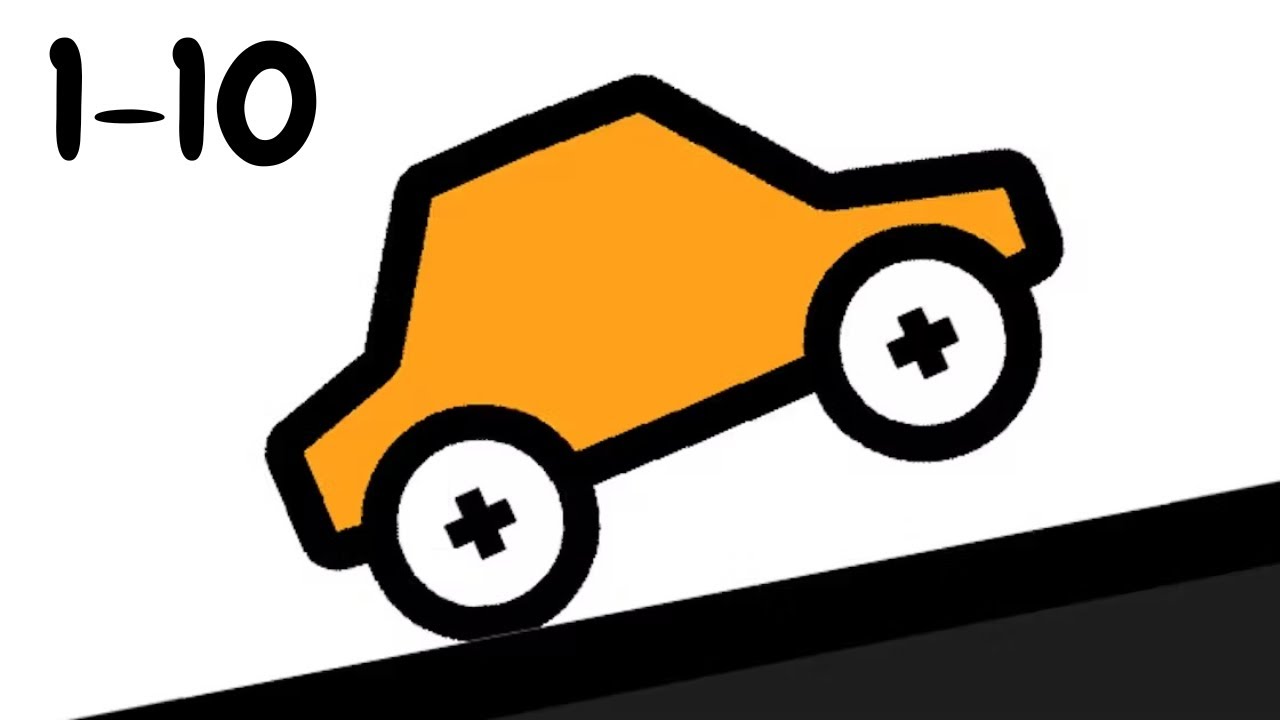
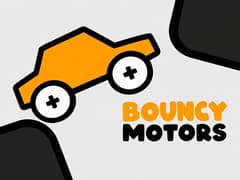
Bouncy Motors puts you behind the wheel of a soft orange car that squashes and wobbles like jelly every time it lands. Each track is a line of rounded platforms with gaps in between, and your job is to get the car to the black finish flag without dropping off the bottom. It flips easily, so a lot of the game is about catching it in the air and landing back on its wheels.
Watch out for red zones
Red striped areas are the real danger: touch one and your wheels come off. Icy sections make the car slide, so ease off before the edge. The faster you reach the flag, the more cash you get, and your best time is saved for every level. Cash goes into random vehicle and wheel skins, and each new one costs a bit more than the last.
More than just levels
Besides the timed levels there is Endless Chill, where you just keep driving for distance, and Stickmen Annihilation, a timed arena full of stick figures sitting on big shapes. You can also draw your own track and drive on it, or build up to five custom levels in the editor. Switch to 2 Players and you and a friend can race side by side on one keyboard.
What happens if I hit a red zone?
Your wheels fall off and the run is over, so you have to restart the level.
How do I get new car skins?
Finish levels to earn cash, then use Unlock Random in Customization. Faster times pay more cash.
Can I make my own tracks?
Yes. Drawing mode lets you sketch a track and drive on it, and the Level Editor lets you build and save up to five levels.
Like wobbly physics on wheels? These are worth a try next:
- Eggy Car, keep a fragile egg on board over hilly roads.
- Happy Wheels, ragdoll physics and brutal obstacle courses.
- Moto X3M, stunt bike levels with flips against the clock.
Controls
PC controls
- Drive forward: W or Up Arrow
- Drive backward: S or Down Arrow
- Rotate the car: A/D or Left/Right Arrow
2 Players (same keyboard)
- One player: W/S to drive, A/D to rotate
- The other player: Up/Down Arrow to drive, Left/Right Arrow to rotate
Mobile controls
- Drive: left stick
- Rotate: right stick
Frequently Asked Questions
Yes. Pick 2 Players at the top of the main menu and you can both drive on the same keyboard, one with WASD and the other with the arrow keys.
It's a relaxed mode with no finish flag. You just keep driving as far as you can, and the game tracks your distance.
Gameplay Video