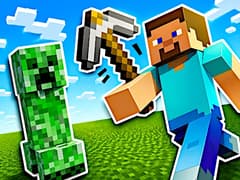
Paper Minecraft
Paper Minecraft

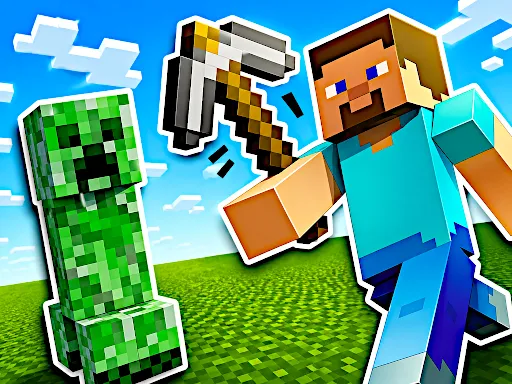
Paper Minecraft
About This Game
Paper Minecraft delivers a complete sandbox loop in a simple 2D world. You start with nothing and gradually build your progress by gathering resources, crafting tools, and exploring different layers of the map. Whether you choose Survival mode or Creative mode, the game gives you full control over how you play. You can choose between:
- Survival Mode: Gather resources, manage hunger, fight enemies
- Creative Mode: Unlimited blocks, free building
Despite being built on Scratch, the game includes many advanced systems such as a crafting tree, farming mechanics, and a day-night cycle. This makes it one of the most detailed and impressive fan-made Minecraft adaptations available online.
Core Game Mechanics of Paper Minecraft
- Move and Jump: Use the W, A, S, D or Arrow keys to navigate the blocky terrain. Pressing W or the Up Arrow allows you to jump over obstacles.
- Mine and Attack: Use your Left Mouse Click to mine blocks, chop down trees, or attack roaming zombies and farm animals.
- Place Blocks: Select a block from your hotbar and use the Right Mouse Click to place it in the world to start building your shelter.
- Open Inventory & Craft: Press the E key to open your inventory and access the 2x2 crafting grid. To access the larger 3x3 crafting grid, build and interact with a Crafting Table!
- Interact: Use the F key to eat food, open doors, or interact with chests and furnaces.
How do I save my Paper Minecraft game and load my world later?
- This is a browser-based Scratch game, there is no automatic cloud save.
- However, the developer implemented a genius manual save system! To save your world, press the O key.
- The game will generate a massive line of text.
- Triple-click to highlight it, copy it (Ctrl+C), and save it in a Notepad file on your computer.
- To load your world later, open the game, press the P key, and paste (Ctrl+V) your code into the box!
My game is lagging a bit when I generate new chunks, how do I fix it?
- Browser limits can sometimes bottleneck the game.
- To reduce lag, go into the in-game settings and lower the "Render Distance." Alternatively, turning off "Fancy Trees" or "Smooth Lighting" can give you a massive FPS boost on older computers.
Can you beat Paper Minecraft?
There is no final boss or ending. The game is designed as an open sandbox experience.
How do you find diamonds?
You need to dig deeper underground. Diamonds spawn at lower levels.
Why are mobs not spawning?
This can happen if you are in Creative mode or if the game limits mobs for performance reasons.
Related Game on gameVgames
- Getting Over It Developed by griffpatch on Scratch, just like Paper Minecraft, this version delivers a physics-based climbing challenge where precision and patience matter more than creativity. It offers a completely different but equally engaging experience.
Controls
- Move: A / D
- Jump: W
- Mine / Attack: Left Click
- Place Block: Right Click
- Open Inventory: E
- Switch Items: Number keys
Frequently Asked Questions
No, you cannot. While the web page might load on your smartphone or tablet, Paper Minecraft is completely unplayable on touchscreens.
Paper Minecraft is generally safe to play. It runs on the Scratch platform and does not require downloads.
Yes. The game is kid-friendly and focuses on creativity, exploration, and basic survival mechanics.
Yes. The game is completely free to play on gameVgames.
No. You can play it instantly online without installing files.
Yes. It is a 2D version inspired by Minecraft with simplified mechanics.
Yes. In Creative mode, you have unlimited resources to build freely.
Gameplay Video